
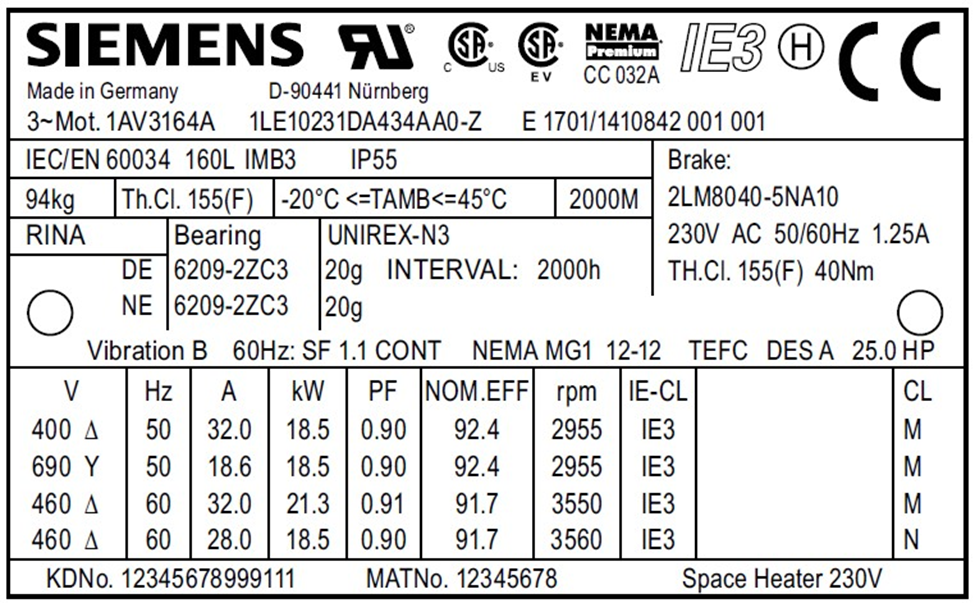
Cut the Listing Bottleneck.

Get Market-Ready in Seconds.

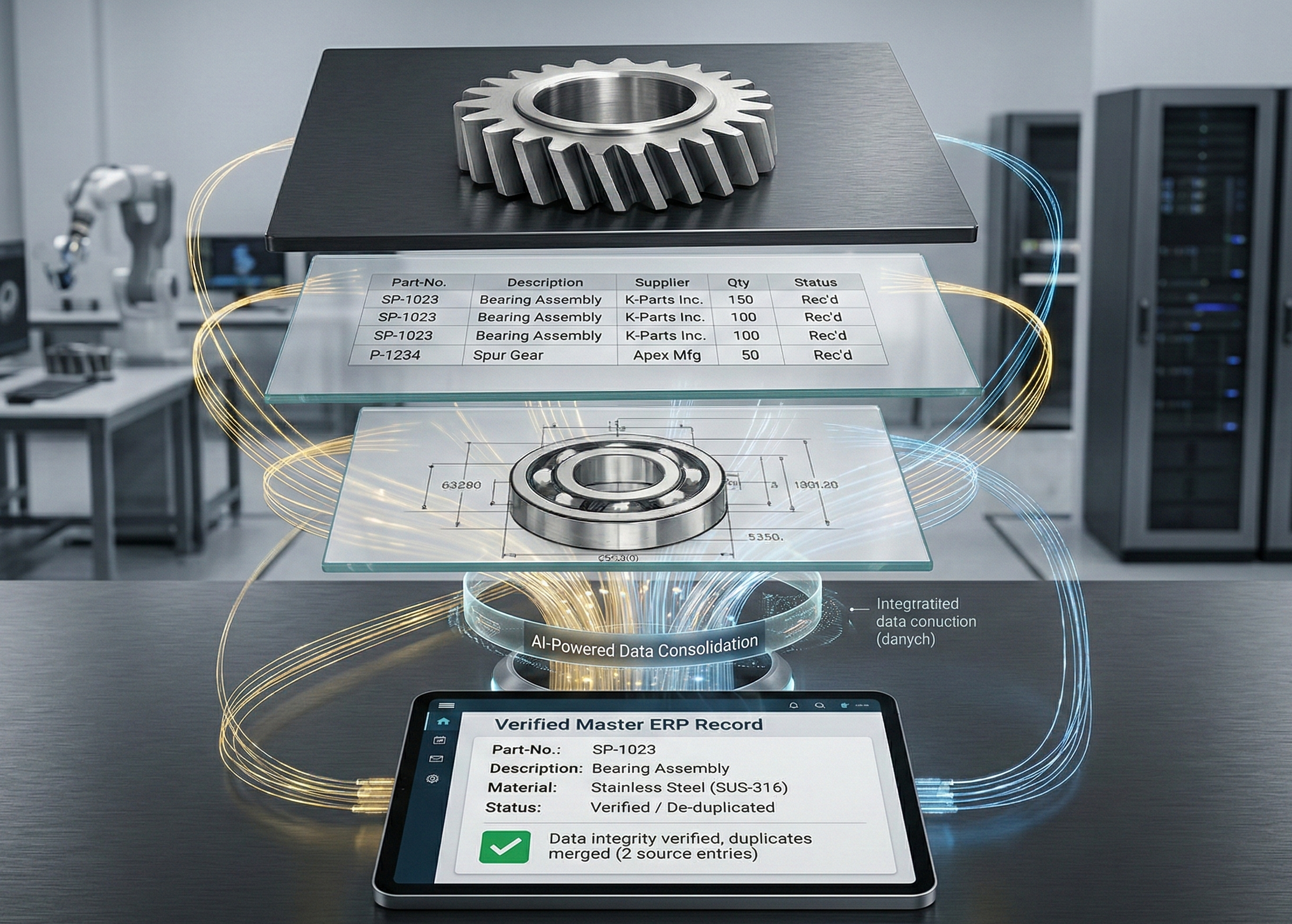
AI-powered software (with real market data) that enables industrial sellers to cut listing cycles and inventory backlogs by transforming raw nameplates into market-ready, ready-to-sell listings in seconds.

Sync enriched data straight to your sales channels.

Shopify WooCommerce PrestaShop Odoo BaseLinker eBay CSV / Excel

From label photo to ERP-ready rows.

The “job” AutomaSnap does: capture the right fields fast, reduce errors, and produce clean spreadsheets you can actually import into ERP — with photo proof attached.

Take a nameplate photo
1

Take a nameplate photo

Capture the nameplate (and a quick part photo if you want). Built for real intake work—not perfect studio shots.

Enrich Data
2

Enrich Data

AutomaSnap extracts Brand, MPN, Serial Number and key specs as fields you can review and edit in seconds.

Ready to market
3

Ready to market

Download your inventory as import-ready spreadsheets for SAP, Odoo, Dynamics 365, or BaseLinker.

Manual work doesn’t scale. AutomaSnap does.

Compare the manual 10-minute intake process against the automated 40-second workflow. Stop wasting time on typing and re-checking—let AI handle the extraction while you focus on moving inventory.

Manual Intake

The old, slow way

+10-20 min
Manual scanning process
Find / read the label
Interpret fields (Brand / MPN / SN)
Check market prices (eBay / Automa.Net)
Type into a spreadsheet
Create product IDs & SKUs
Take photos (nameplate + product)
Rename / sort photos
Double-check and fix mistakes
Export

AutomaSnap Flow

Snap → AI Extract → ERP Ready

00:00
Scanner

Who Is It For?

The Reseller

The Reseller

Reduce the time your items sit idle on the shelf.

When you buy parts in bulk, every day they aren't listed is a day you aren't making money. Manually typing long, complex part numbers for your storefront is a slow process that freezes your cash flow. AutomaSnap unlocks your capital. Scan any part to get it market-ready in seconds. Turn your warehouse backlog into active listings and start selling today.

Want to list your parts in seconds, not minutes?

Show me how

The Warehouse Manager

The Warehouse Manager

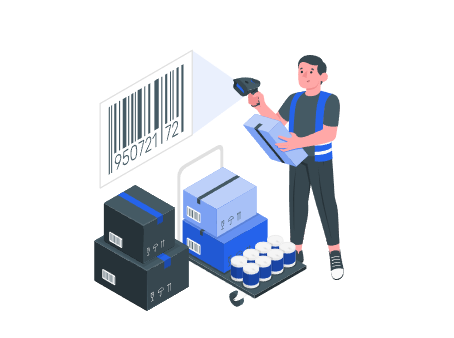
Move beyond barcodes and manual entry.

Speed up your inventory work. You don't need to scan 2 or 3 different QR codes on one label just to find the right data. Our AI reads the whole nameplate at once. It automatically grabs the brand, part number, and serial number so you don't have to type them by hand. Get through your incoming stock faster and put more parts on the shelf every day.

See how much faster your warehouse can run.

Let's talk
The E-commerce Specialist

The E-commerce Specialist

Get ready-made prices and product data.

Looking up technical specs and market prices by hand is just time-consuming. Standard AI often makes up details, which leads to customer returns. AutomaSnap is different. It provides professional spares enrichment data like GTIN/UPC codes and suggested prices automatically. You get SEO descriptions that increase your sales.

Ready to list your parts faster?

Show me how
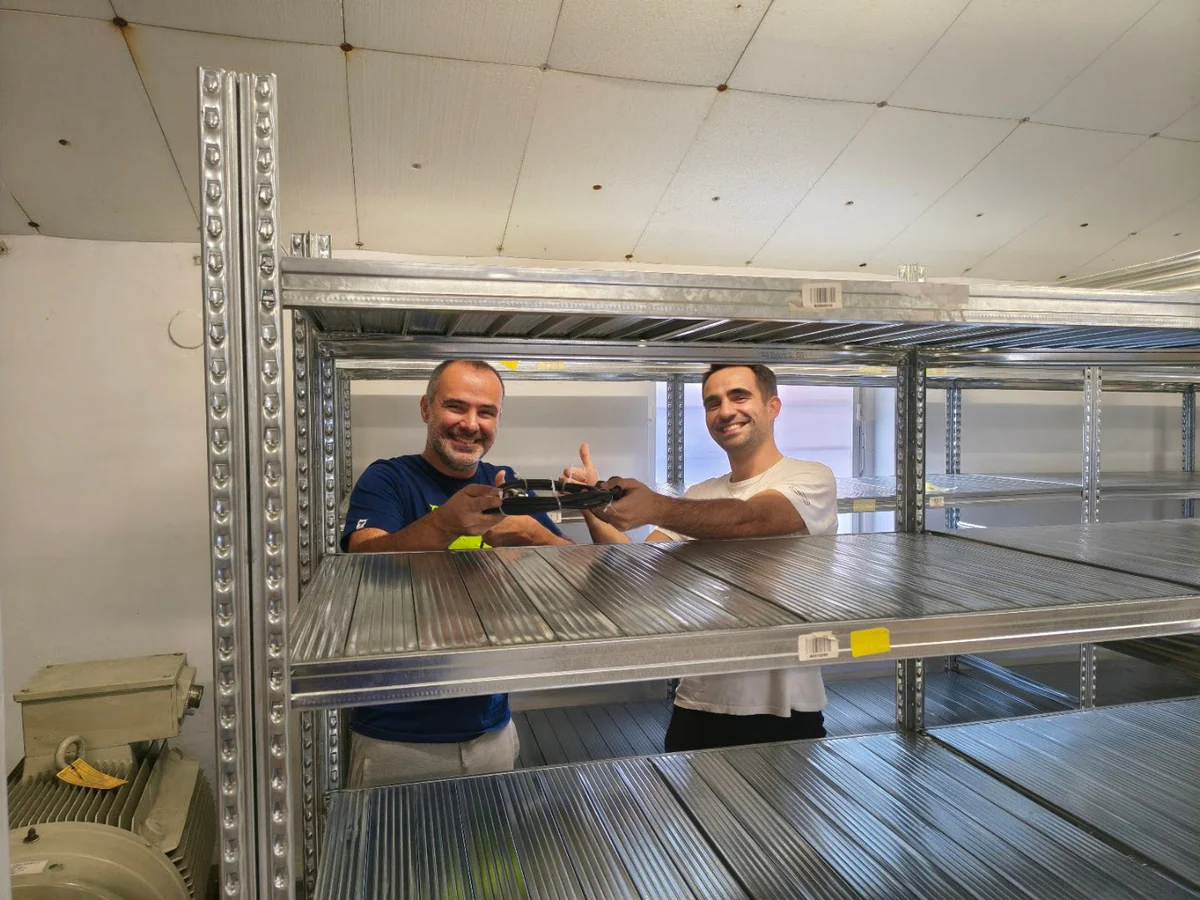
Gal-Industry warehouse team

Customer Success Story

How Gal-Industry accelerated onboarding and increased inventory turnover.

By automating their intake process, Gal-Industry eliminated operational bottlenecks and radically accelerated their product listings.

FAQ

The questions teams ask before rolling this into intake.

What do I need to start using AutomaSnap?

All you need is a standard smartphone with a camera. There's no need to install or configure anything – the app works directly in your web browser. Just open the link and you can start scanning parts immediately.

How quickly can I get started?

Just sign up and you can start using the app right away. You can also run a quick pilot: scan 20 real parts, export the spreadsheet, and compare the time and error rate against your current process.

What if the label is dirty, scratched, or at an angle?

You can take another shot and quickly correct fields before saving. The flow is designed for shop-floor photos, not perfect scans.

Do I need to change my tools or rebuild my process?

No. The fastest path is export → ERP. Map columns once and keep your existing workflow.

What do we get at the end?

A clean item list (spreadsheet) with consistent fields and photo proof per item—ready to import into ERP and audit later.

Turn your next intake batch into clean ERP-ready rows.

Book a quick walkthrough or open the app. In one session you’ll see the real outputs (spreadsheets + photo proof) and the time saved on your parts.